Announcement

Collapse
No announcement yet.

how do you post pictures with your thread?

Collapse
X
 
  • Filter
  • Time
  • Show
Clear All
new posts

  • how do you post pictures with your thread?

    read thread

  • #2
    This has been asked countless times. Perform a search and you'll find your answer.

    Comment


    • #3
      You need to go to a place like Pbase or Photobucket and upload your photos to that site (many are free). Then simply post a link to that photo right into your message.

      See that little mountain/yellow sky icon in the relpy window? You press that, then paste the link in there.
      a.k.a.---> Erich

      www.avalawnlandscaping.com


      Build a man a fire, he'll be warm for a day.
      Set a man on fire, he'll be warm for the rest of his life.

      Comment


      • #4
        thank you scaper

        Comment


        • #5
          Well i cant post attachmentss, says i am not allowed, Jack d can post rubbish all day long how come others cant post??
          Top 10 PLACE GETTER, LSF'S MOST VALUBLE POSTER, 2007

          Comment


          • #6
            Originally posted by Sandgroper
            Well i cant post attachmentss, says i am not allowed, Jack d can post rubbish all day long how come others cant post??
            cause you ain't Jack d. lol. just messing with you. i don't have a clue how to do any of that stuff. someone will chime in .

            steve

            Comment


            • #7
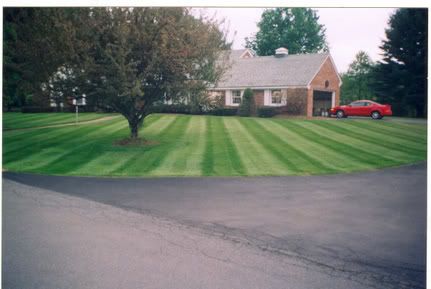
              like this.......

              Comment


              • #8
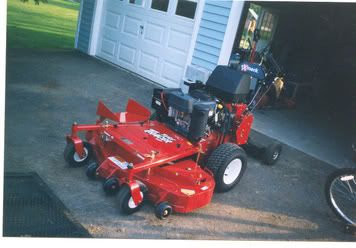
                or this.....

                Comment


                • #9
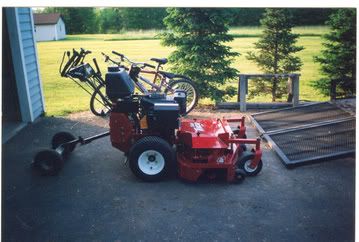
                  and this......

                  Comment


                  • #10
                    Originally posted by Sandgroper
                    Well i cant post attachmentss, says i am not allowed, Jack d can post rubbish all day long how come others cant post??
                    Open an acct at photobucket, upload your photos there, then transfer them here.......

                    Comment


                    • #11
                      yeah, once you get your pics uploaded to photobucket, they'll have three links posted under each pic. Cut and paste the bottom link and you should be golden.

                      Comment


                      • #12
                        Originally posted by Sandgroper
                        Well i cant post attachmentss, says i am not allowed, Jack d can post rubbish all day long how come others cant post??


                        How are you trying to do it?
                        a.k.a.---> Erich

                        www.avalawnlandscaping.com


                        Build a man a fire, he'll be warm for a day.
                        Set a man on fire, he'll be warm for the rest of his life.

                        Comment


                        • #13
                          thanks in advance

                          got the bucket . now how do i add the photo to here "transfer"

                          Comment


                          • #14

                            CLICK HERE
                            for Jack D's personally endorsed and daily frequented website.

                            Comment


                            • #15
                              Originally posted by vaughnslawns View Post
                              got the bucket . now how do i add the photo to here "transfer"
                              Click the help tab on photobucket, it'll show you.

                              Comment

                              Working...
                              X